Earn trust through transparency with a hosted status page.
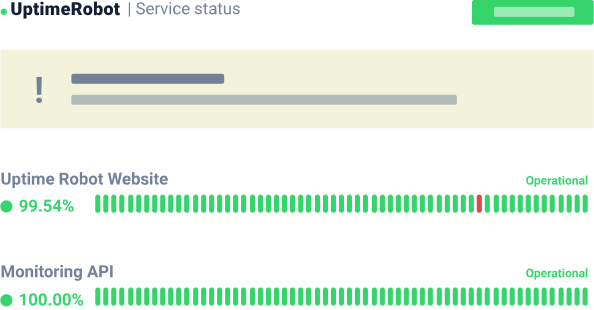
Create a single place to check what’s happening during maintenance or incidents. Share clear updates and automated email notifications with those who depend on you.
Trusted by over 3.2M+ users and companies












Protect revenue and credibility when things go wrong.

Deliver calm & fast incident updates
Share what’s impacted, what you’re doing, and what users should do next. Clear, timely updates reduce uncertainty and prevent “silence churn.”

Defuse “Is it down?” tickets at source
Create a place to self-check status instead of contacting support. Fewer repetitive tickets mean faster resolution and lower costs.

Give your teams a single link to share
Equip Support, CS, and Sales teams with one reliable link they can share instantly — so messaging stays consistent across all channels.

Own the narrative ahead of rumors
Publish updates first, in your words, before your users start reporting and guessing on social platforms, public forums, and “is it down” sites.

Prove your operational maturity
Maintain a clear timeline of uptime, incidents, and resolutions to support procurement, compliance, and SLA conversations.

Automatically notify your dependents
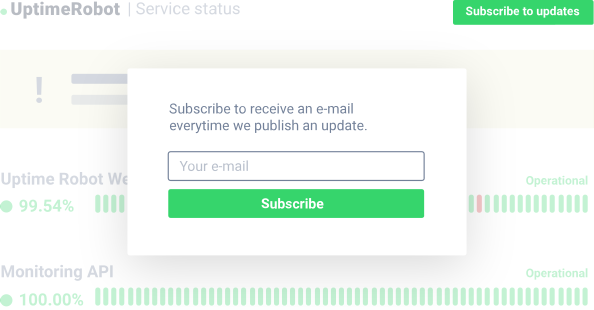
Let clients subscribe and receive automatic emails when your status changes. Keep stakeholders informed with automatic alerts.
How to create a status page in 3 steps?
Level up your incident communication. Turn unfortunate incidents in your favour. Set up a status page.
Create Status page nowFaster, calmer incident communication that grows trust.
Notify users about maintenance and incidents.
Set expectations with timely status updates and email notifications. When customers know what’s impacted and what to do next, you avoid panic, reduce churn risk, and keep teams aligned.
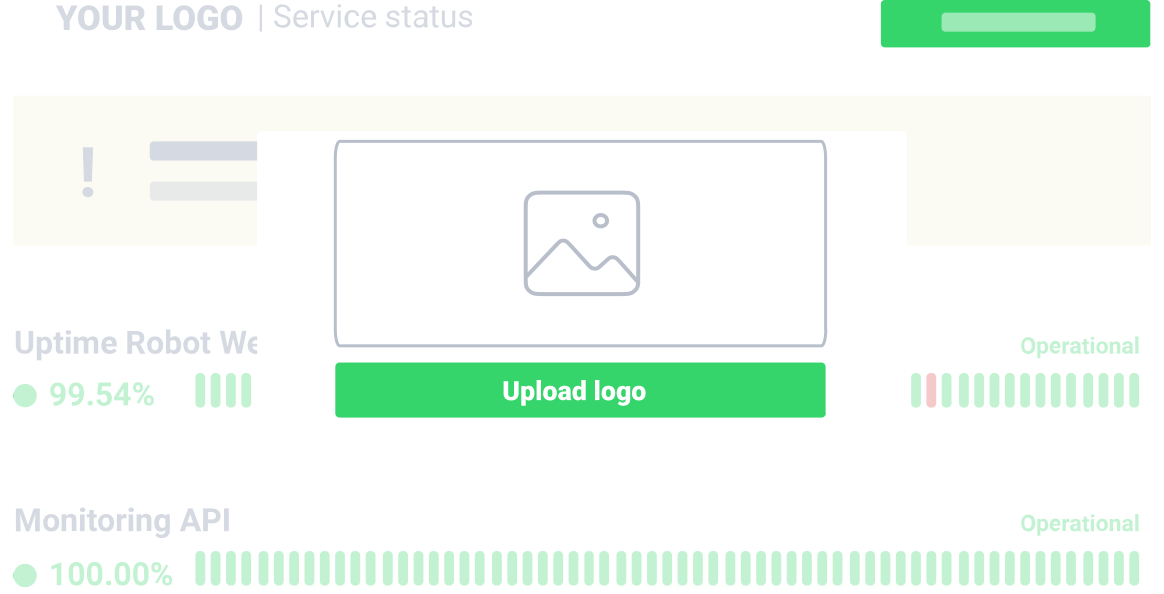
Customize your status page to match your brand.
Use your logo, colors, fonts, and layout so your status page looks like an extension of your product—even when things aren’t perfect.
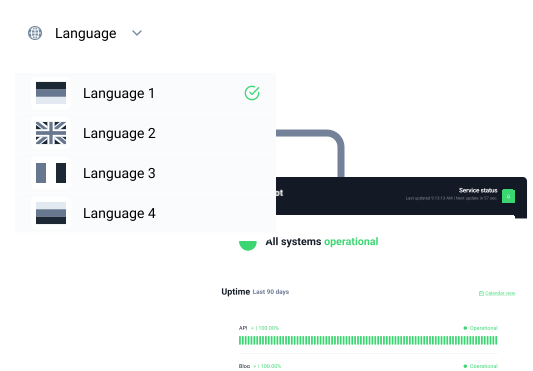
Create status pages in 11 languages.
Switch your status page to 11 languages: English, Arabic, Chinese, Dutch, French, German, Hindi, Indonesian, Portuguese, Spanish, and Turkish. Create separate pages for each language to keep each audience informed in their preferred language.
Status page with all you need.
![Included]() Custom domain
Custom domain
Host the status page on your own domain, like status.example.com.
![Included]() Private status page
Private status page
Hide it from the search engines and protect it with a password.
![Included]() Announcements
Announcements
Post updates for incidents and planned maintenance with a clear timeline.
![Included]() Response times
Response times
Share response times to show performance, especially during outages.
![Included]() Status page analytics
Status page analytics
Add Google Analytics tracking to analyze traffic and subscriber behavior.
![Included]() Decide what to share
Decide what to share
Show or hide bar charts, uptime %, monitored URLs, and paused monitors.
Do more with your status page.
Go beyond “up/down.” Use your status page to streamline incident workflows, coordinate teams, and keep stakeholders informed — all without extra tools or manual hassle.

Use API to manage status pages
Automate status page workflows: fetch details, add or remove monitors, list and sort pages, check status, set passwords, and more.

Invite anyone to collaborate
Add teammates with notify-only or login access, so the right people can publish updates and manage pages when it matters.

One status page for any monitor type
Add websites, servers, keywords, SSL certificates, ports, cron jobs, and more—then order components alphabetically or by status.
What users say about our status pages.

Great experience so far
Return on investment is great. We can setup our own status pages with both public and internal ones being able to show us different details.
Simple and precious
The public status page is the best I have found for this price, you can set custom logo and custom domain and it is https. Other services claims to have powerful status pages but they are cumbersome or expensive.
Simple and affordable
I like the public status page. There is a decent selection of monitor types and settings to help cutdown on false positives. Solid little mobile app.
Most popular ways teams use status pages.
 Improve internal incident coordination and communication
Monitor third-party dependencies and critical endpoints
Support SLA reporting with status pages and reports
We were able to replace a legacy monitoring system with UptimeRobot’s intuitive to configure tests, modern dashboards, and elegant status pages.
UptimeRobot helps us to provide reliable Cyberinfrastructure to researchers from diverse domains including computer science, geoscience, ecology, precision medicine, bioinformatics, public health, and political science.
Kate Kaya, University of California, San Diego
Status page FAQs.
What is a status page?
A status page (or status dashboard) is a dedicated page that shows the current health of your service and any ongoing incidents or maintenance. It gives users a reliable place to check what’s happening and subscribe to updates via email.
What are the types of status pages?
Most teams use public status pages for customer communication and private/internal status pages for internal visibility. You can also create SLA-focused pages depending on what you need to share with customers or partners.
How can I customize the status page?
You can tailor your status page to match your product: add your logo, adjust colors and fonts, choose layouts/themes, and decide what data to show or hide (like uptime %, charts, URLs, or paused monitors).
How can I update my customers?
Publish an update on your status page and automatically notify subscribers by email. You can turn notifications on/off in settings, and customers can subscribe directly from the page.
Relevant articles on status pages.

Top 8 Free Status Page Tools & Services
A status page significantly reduces customer tickets and agent workload while building trust. Which free solution is best?
Read more

A Comprehensive Guide to Status Pages
Learn more about how status pages can benefit your business and what the best practices are for boosting their use.
Read more

10 Real-World Status Page Examples
How do companies like Apple or Netflix use a status page and what can you learn from them? Get inspired in our blog.
Read more
Create your first status page now!
Set up a free status page in minutes. Collaborate with your team and keep users informed with a hosted status page that supports up to 50 monitors.
Sign up for FREE status page
 Incident management
 IT alerting software
 Status pages